Profile
The Profile page shows who you are signed in as and which organization you belong to, and lets you change your password. Open it by selecting your name at the bottom of the sidebar.
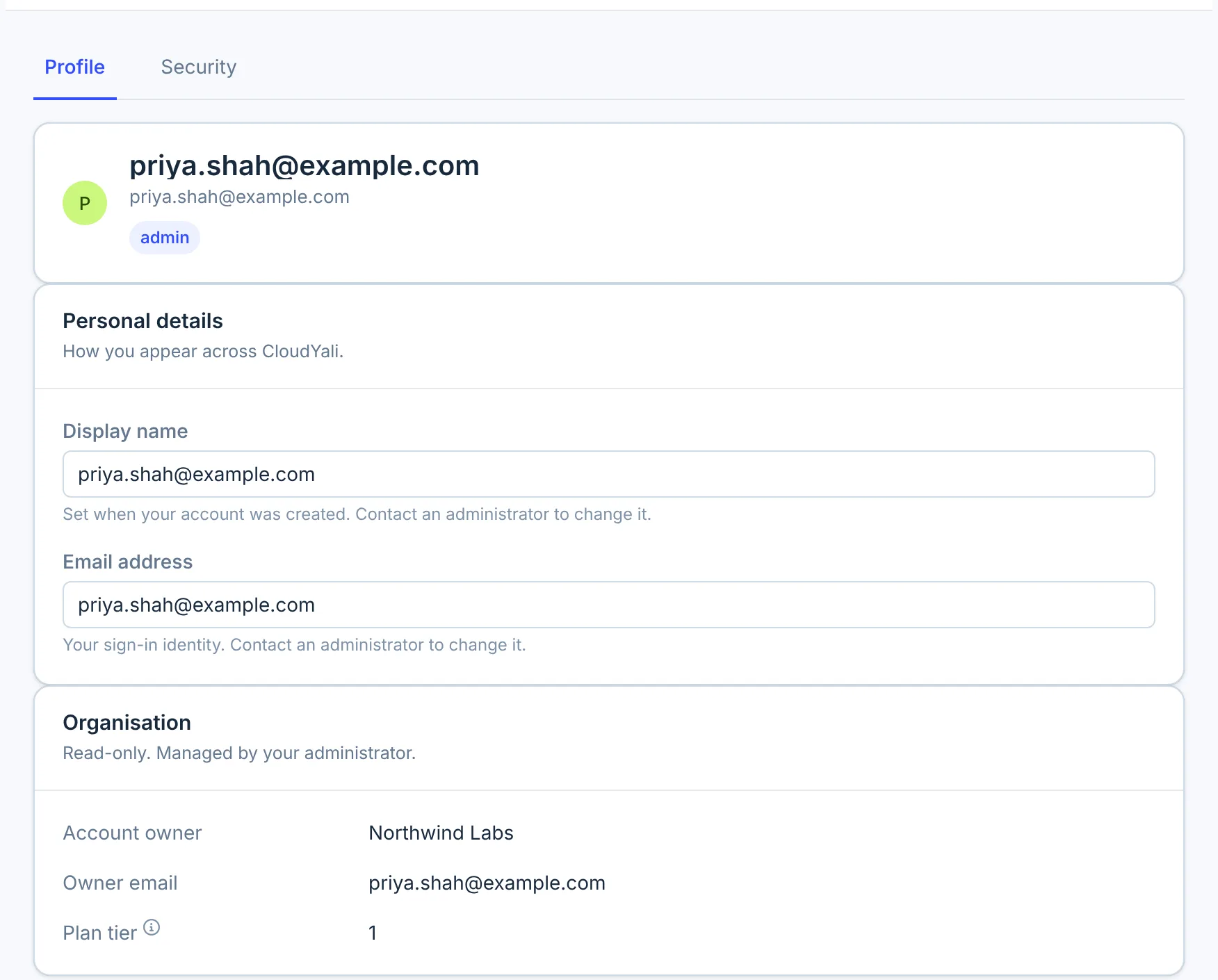
Profile tab
| Section | What it shows |
|---|---|
| Your card | Your name, email address and role |
| Personal details | Display name and Email address |
| Organisation | Account owner, Owner email and Plan tier |
Everything on this tab is read-only. Your name and email address are the ones your CloudYali sign-in was created with; neither can be changed in the console. To change them, contact support@cloudyali.io.
The role on your card is the one the server uses: the organization's owner sees admin.
Change your password
-
Select the Security tab.
-
Enter your Current password, then your New password twice.
-
Select Update password.
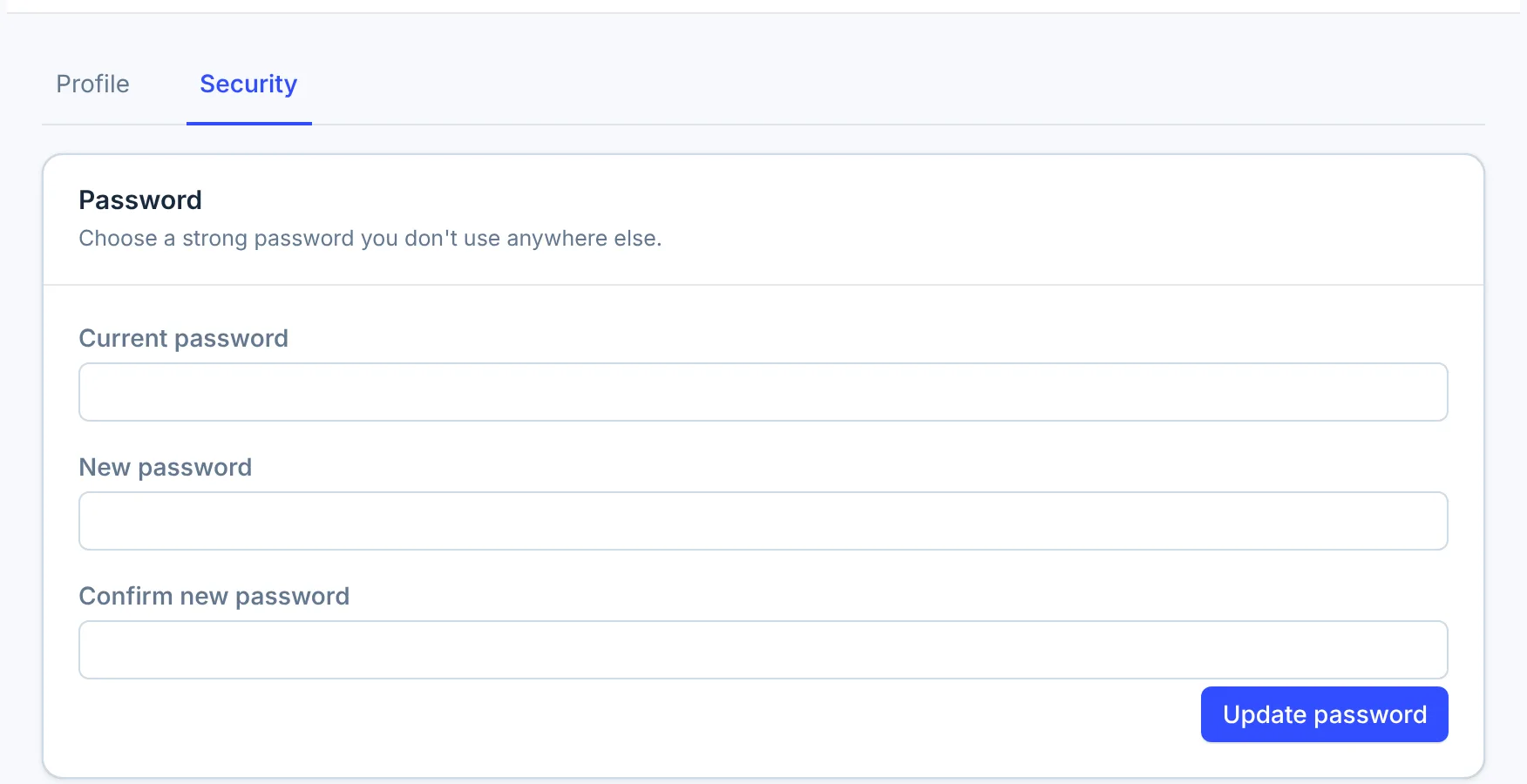
The new password must differ from the current one. If it does not meet the password rules, the form shows the rule it broke.
Changing your password does not sign out your other browsers or devices. Select Sign out on each one to end those sessions.
If you have forgotten your password, sign out and select Forgot your password? on the sign-in page. CloudYali emails you a reset code.
Sign out
Select Sign out at the bottom of the sidebar. It signs out this browser only.
Limits
- Nothing to edit but the password. Name, email and organization details are read-only.
- No two-factor authentication setting. The console has no option to turn on two-factor authentication.
- No single sign-on. You sign in with your email address and password.
- No sign-out everywhere. Sign out on each device separately.
- No notification preferences. The daily email report goes to everyone in User Management, and budget and anomaly alerts go to the organization's email address. See Email reports.
FAQ
How do I change my display name?
The name on your profile comes from your sign-in and cannot be changed in the console. Contact support@cloudyali.io. The name in the User Management list you can change yourself there.
Why does my role show admin when I created the organization?
The organization's owner has the admin role on the server. User Management lists you as Owner.
Can I turn on two-factor authentication?
Not from the console. Contact support@cloudyali.io.