What is CloudYali
CloudYali is a cost management platform for AWS, Microsoft Azure, Google Cloud and the AI and data tools your teams use, such as Anthropic, OpenAI, Cursor and Databricks. It brings their bills into one console and shows where the money goes, what changed, what you can save and whether you are on budget.
What you can do
The console groups its features into Cost Management, Cost Allocation and Financial Planning.
See and explain spend
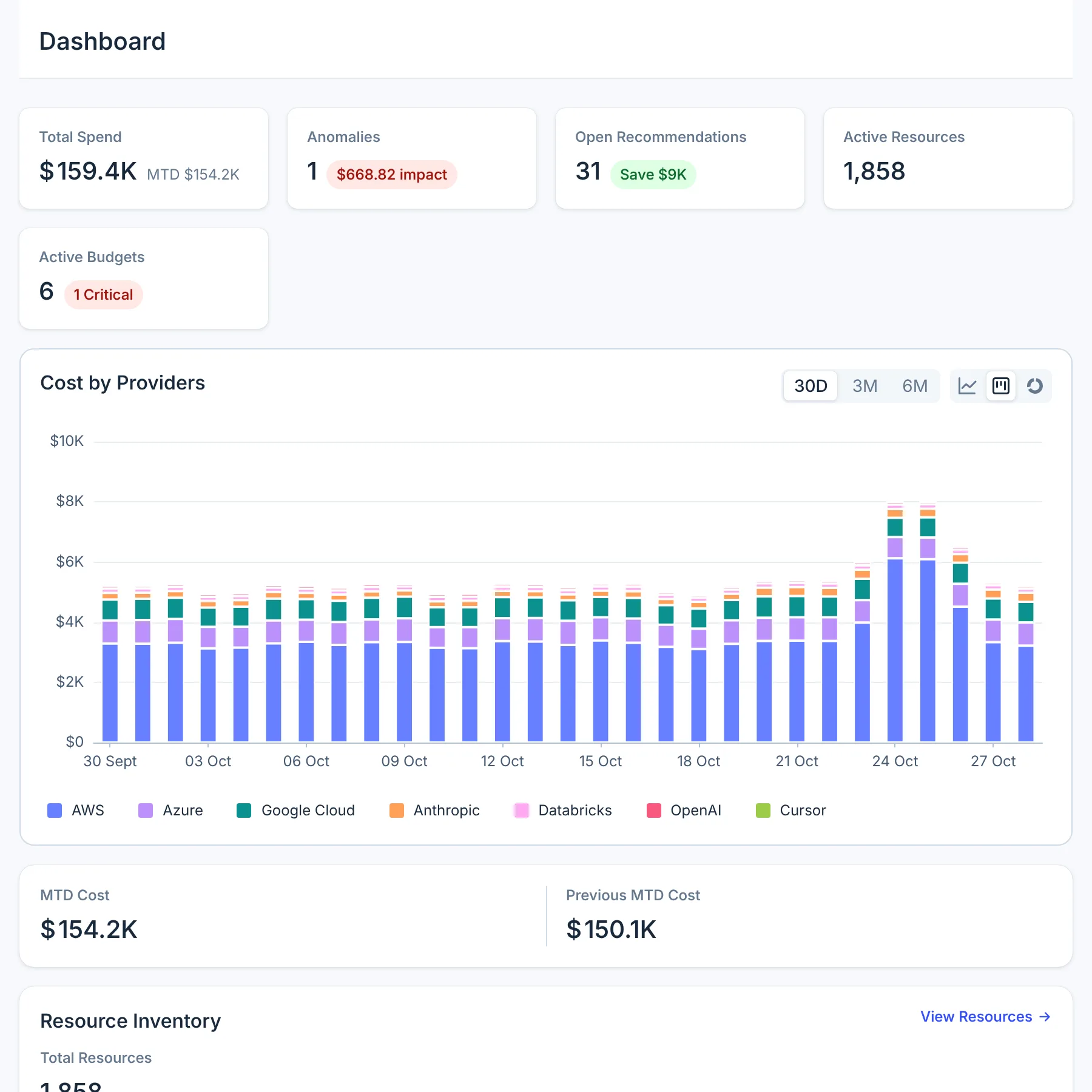
- Dashboard: spend across every provider for the last 30 days, anomalies, open savings, resources and budgets, with this month's spend against the same days last month.
- Cost Explorer: spend by account, service, region, cloud or cost type, down to each resource's cost per day.
- Cost Anomalies: spend that jumped against its own baseline, what drove it, and an alert by email and Microsoft Teams.
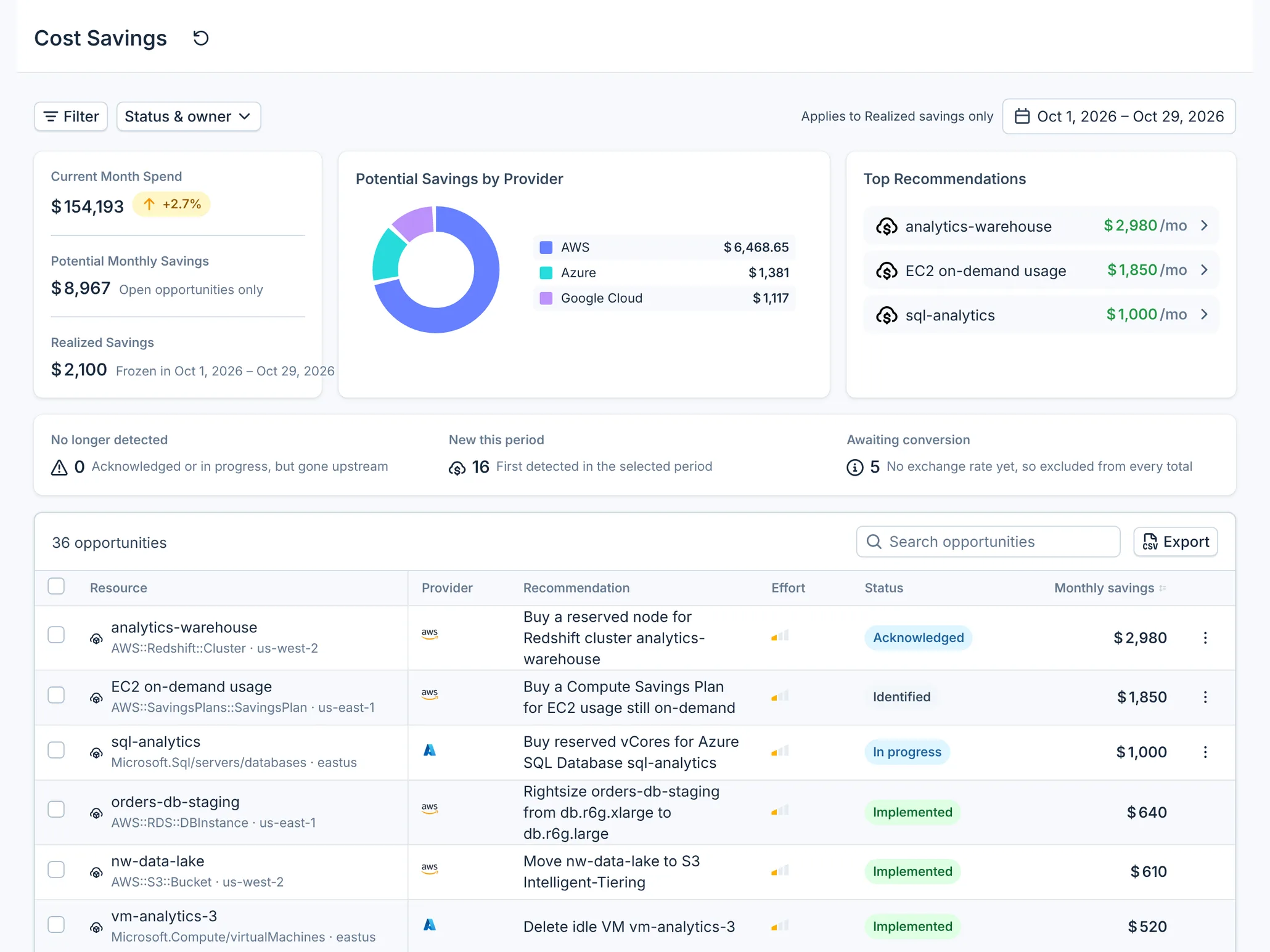
- Cost Savings: savings opportunities from AWS, Azure and Google Cloud and from CloudYali's own rules, tracked until you have implemented them and the savings are realized.
- Cost Views: saved, ready-made cost questions, such as data transfer by service.
- Resource Inventory: every resource across your clouds, with its configuration history and daily cost.
Attribute spend
- Tag Governance: how much spend carries the tags you need, and where tags are missing or misspelled.
Plan ahead
- Budgets: monthly, quarterly or yearly spending limits, with an email at each milestone you set.
- Commitments: whether Reserved Instances, Savings Plans, Azure reservations and Google Cloud committed use discounts are covering your usage and paying off.
Ask in plain English
- AI assistants: ask Claude, ChatGPT, Cursor or another MCP client about your costs. They read CloudYali's data with your own permissions.
Sources CloudYali connects to
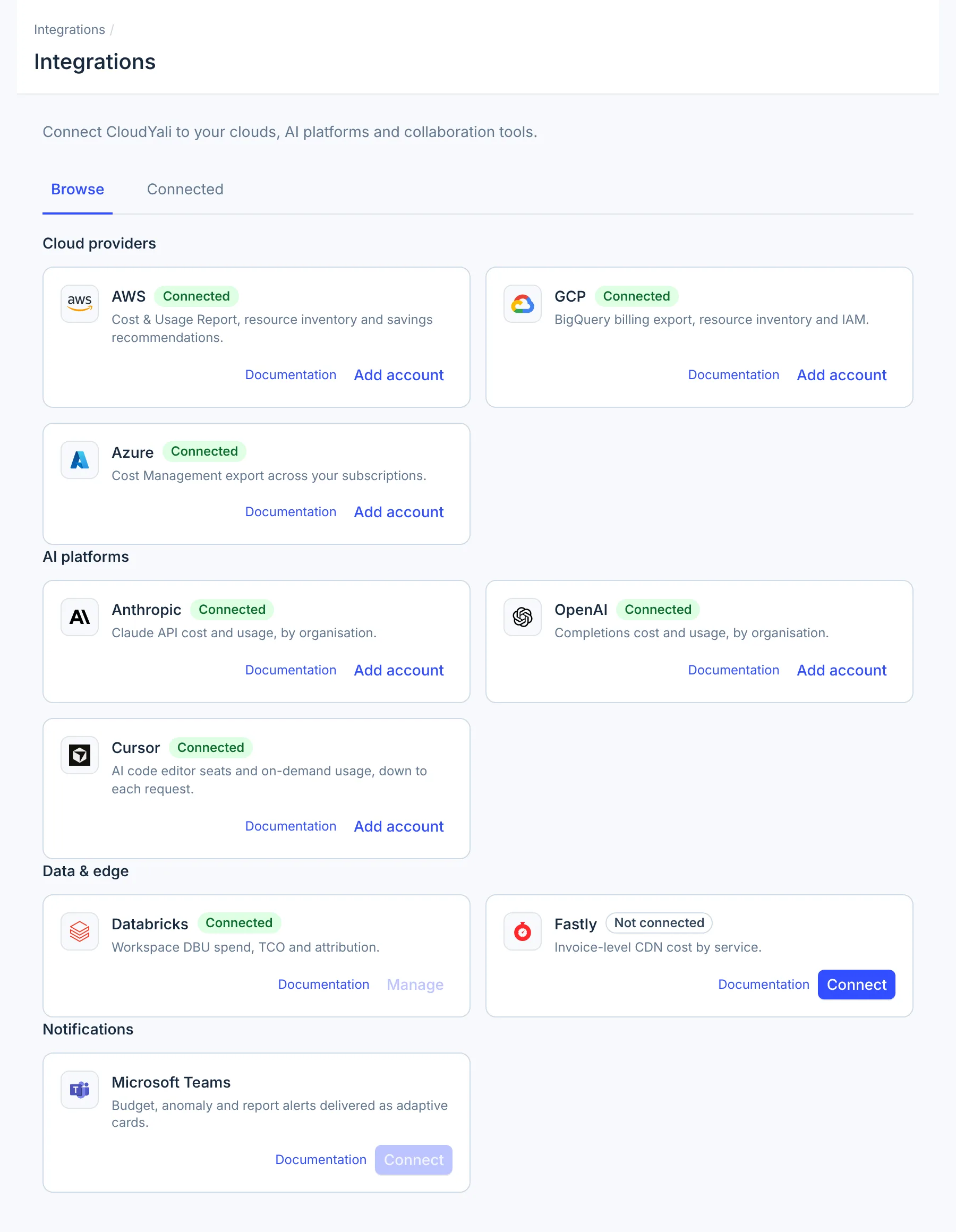
| Kind | Sources |
|---|---|
| Clouds | AWS, Azure, Google Cloud |
| AI platforms | Anthropic, OpenAI, Cursor |
| Data and edge | Databricks, Fastly |
Alerts go out by email, and anomaly alerts also to Microsoft Teams. CloudYali calls only read operations on every source. See Integrations to connect one, and How CloudYali works for what CloudYali reads and how often.
Who uses it
- FinOps and finance track spend against budget, report savings and check commitments.
- Engineering leads see what their services cost, catch a spike the day after it starts, and work the savings list.
- Anyone with a question about the bill asks it in Cost Explorer or through an AI assistant, without building a report.
Get started
- Quickstart: sign up, connect a provider, see your first costs and invite a teammate.
- Navigate the console: what each part of the console is for.
Was this page helpful?